
 Replacement Watch Bands for Apple Watch
 Replacement Watch Bands for Smartwatch
 Tempered Glass for Smartwatches
 Charger for Apple Watch
 Find Me Tracker
 AirTag Keychain
 Mag Wallet
 Charging Cables
 Wall Chargers
 Car Chargers
 Car Holder
 Power Bank
 Desk Holder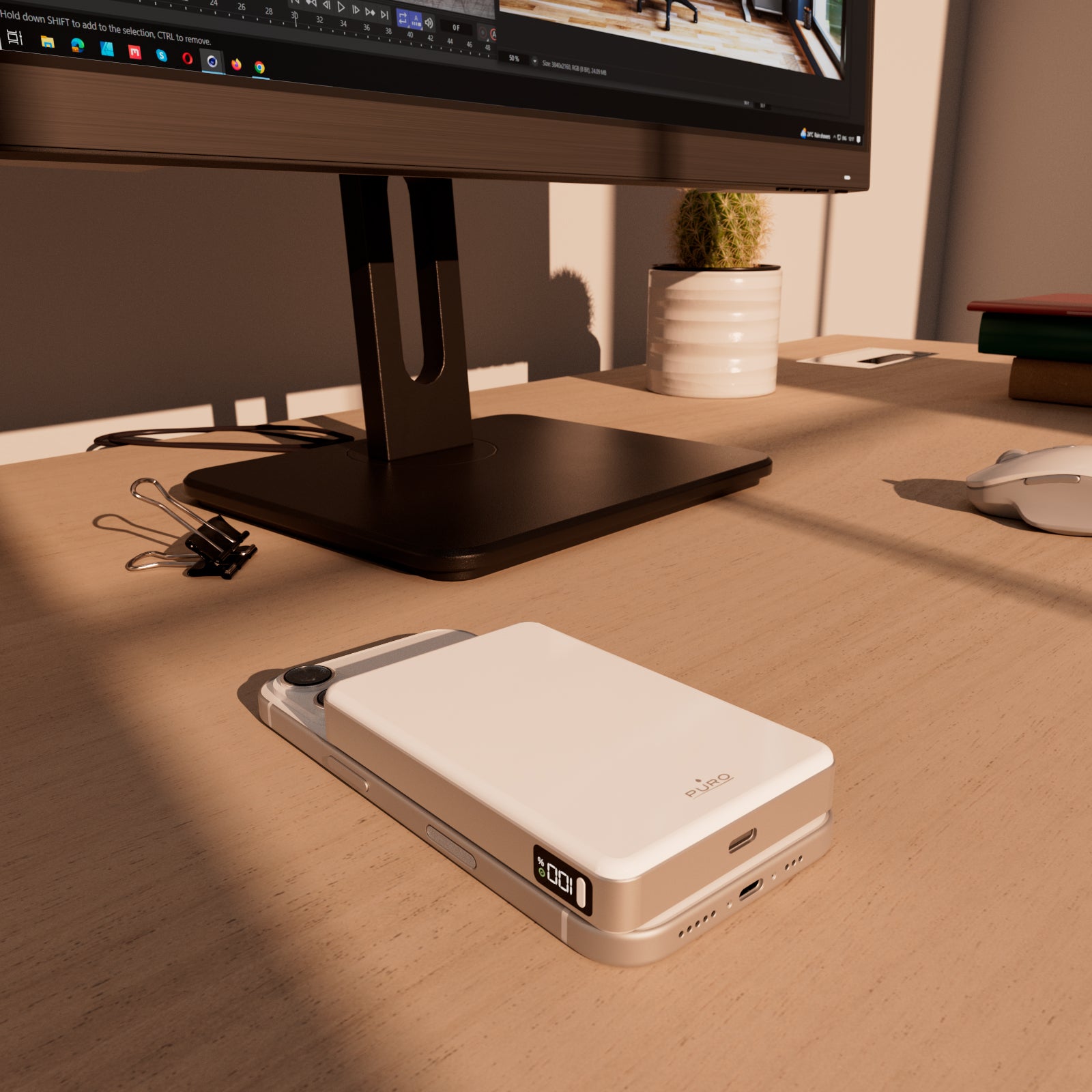
 Outdoor Thermal Bottle - 500 ml
 Hydro 5 Thermal Bottle – 500 ml
 Hydro 7 Thermal Bottle – 750 ml
 Hydro 10 Thermal Bottle – 1000 ml
 Cases for MacBook
 Laptop Sleeves
 Laptop Backpacks
 Wireless Earphones
 Wired Earphones
 AirPods Case
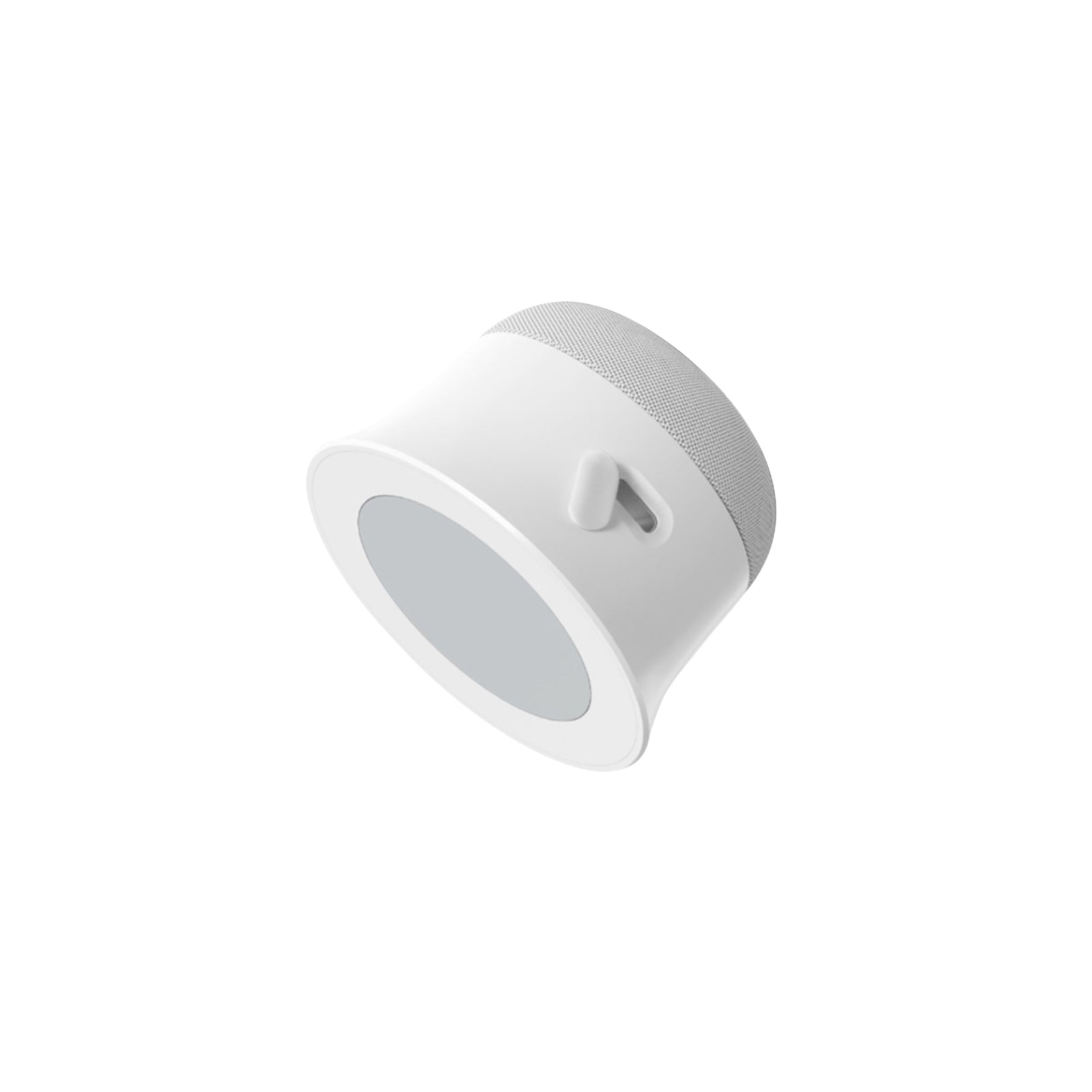 Speakers & Microphones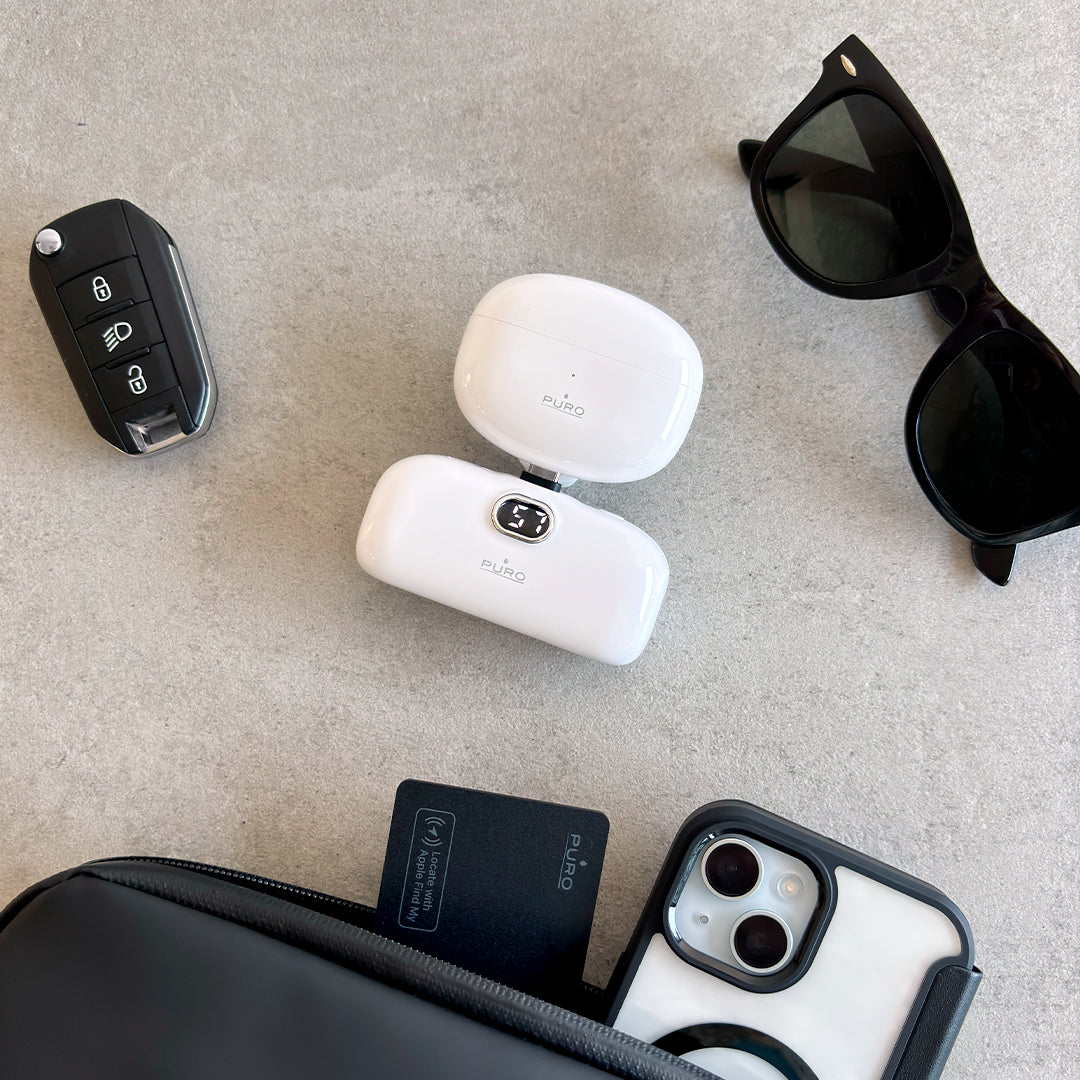
How to disable Puro Find Me Duo
How to Disable the FIND ME DUO
If you’ve received a notification on your Android device about an unfamiliar device nearby, you can make it ring by tapping the system notification. Once you’ve located the device, follow these steps to disable it.
How to disable the FIND ME DUO device:
Locate the ON/OFF button on the device.
Quickly press the button five times within 2 seconds.
When device is disabled, you will hear a confirmation sound.
Note: After disabling, the device will be removed from Google’s Find Hub network, preventing the owner from receiving location updates for this device. Additionally, you will no longer receive alerts related to this device.
To enable identification:
Locate the ON/OFF button on the device. Quickly press the button six times within 2 seconds, and you will hear a prompt sound.