
 Replacement Watch Bands for Apple Watch
 Replacement Watch Bands for Smartwatch
 Tempered Glass for Smartwatches
 Charger for Apple Watch
 Find Me Tracker
 AirTag Keychain
 Mag Wallet
 Charging Cables
 Wall Chargers
 Car Chargers
 Car Holder
 Power Bank
 Desk Holder
 Hub
Hub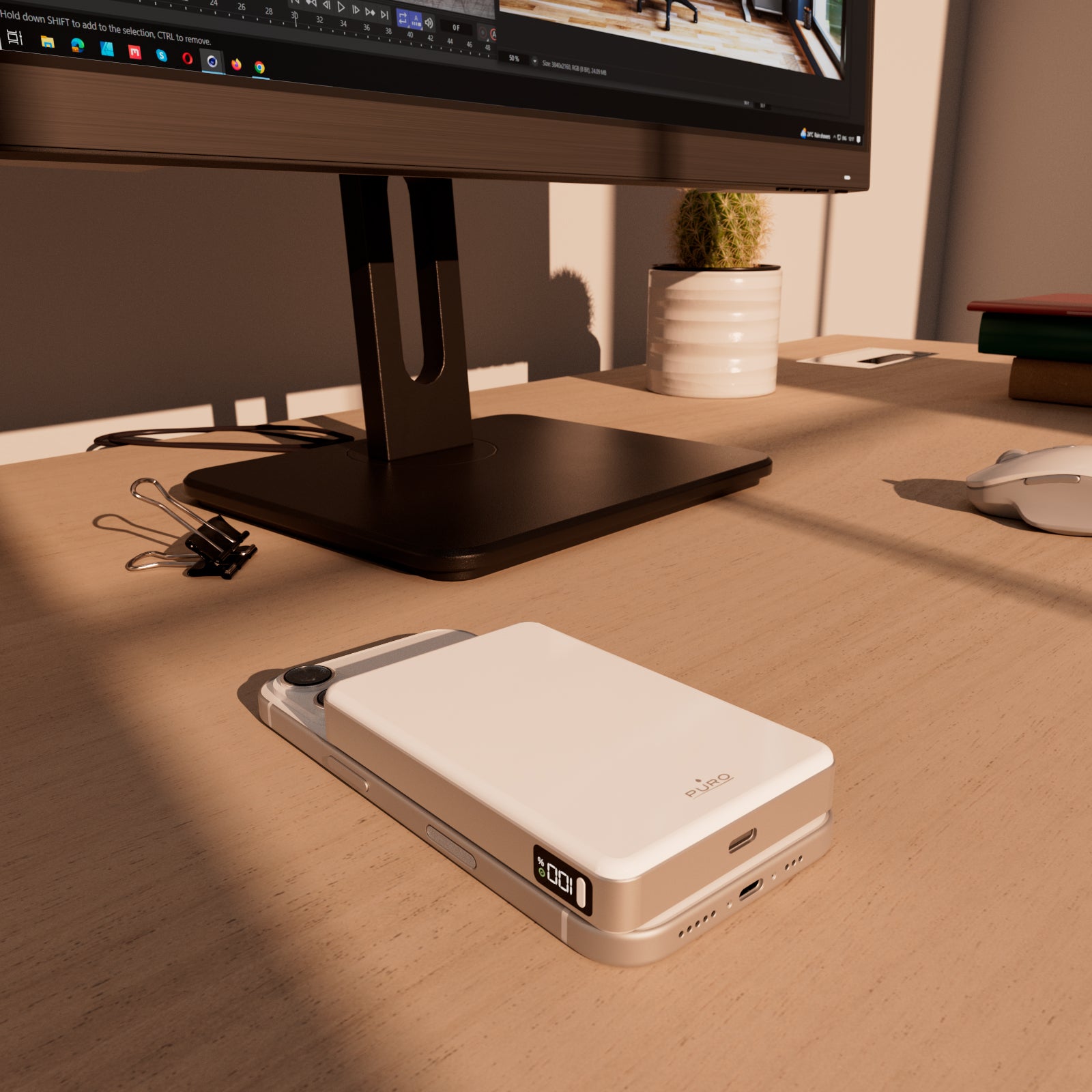
 Outdoor Thermal Bottle - 500 ml
 Hydro 5 Thermal Bottle – 500 ml
 Hydro 7 Thermal Bottle – 750 ml
 Hydro 10 Thermal Bottle – 1000 ml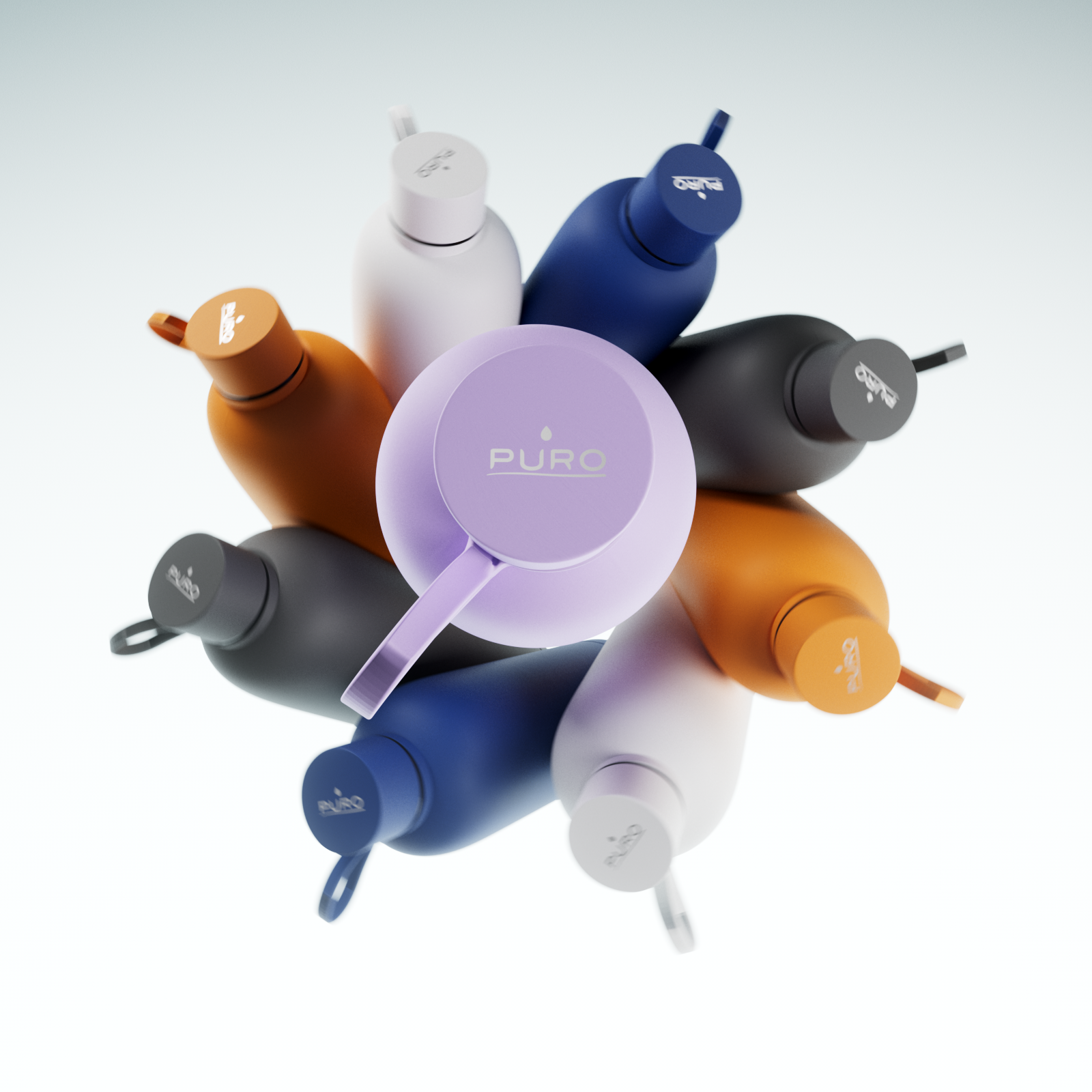
 Cases for MacBook
 Laptop Sleeves
 Laptop Backpacks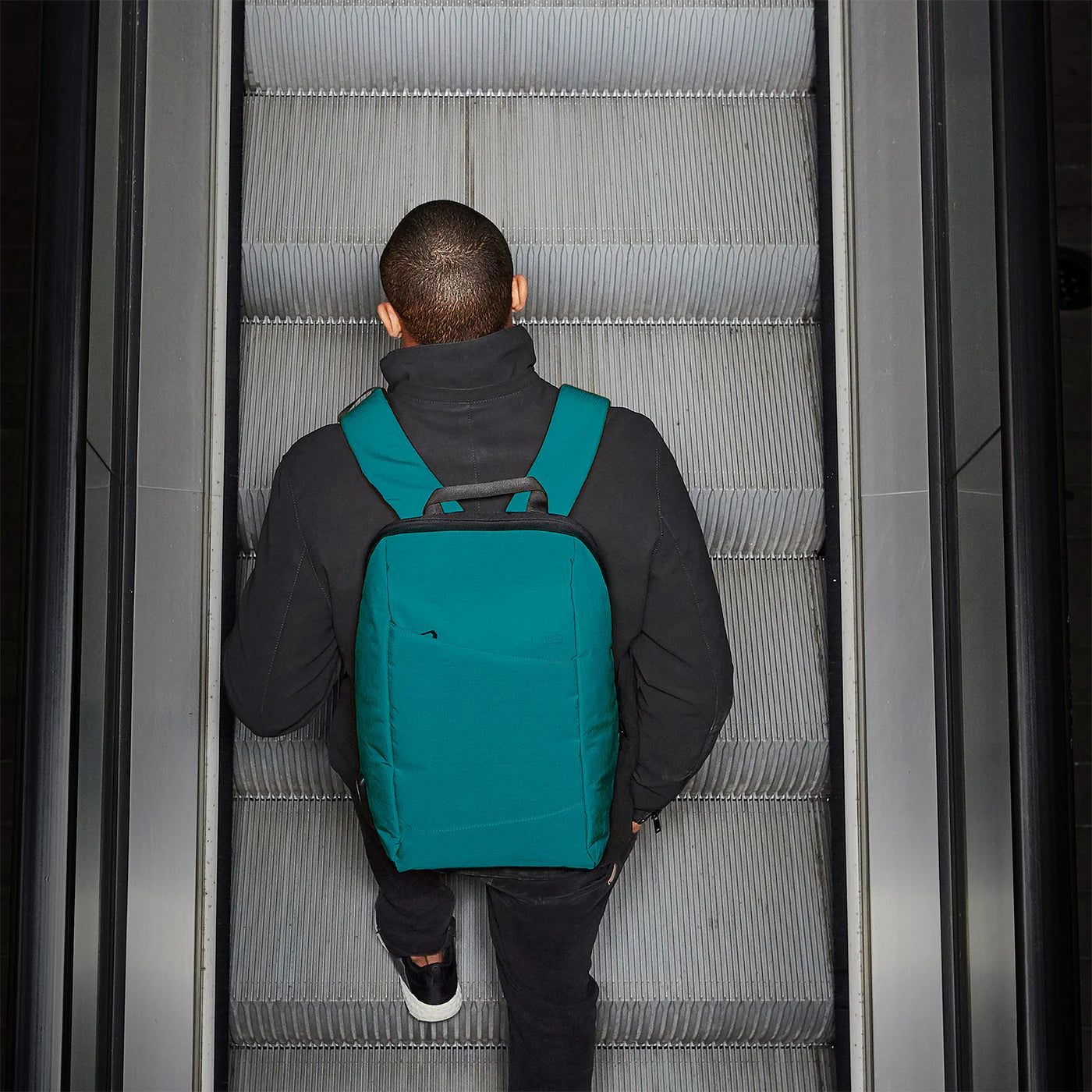
 Wireless Earphones
 Wired Earphones
 AirPods Case
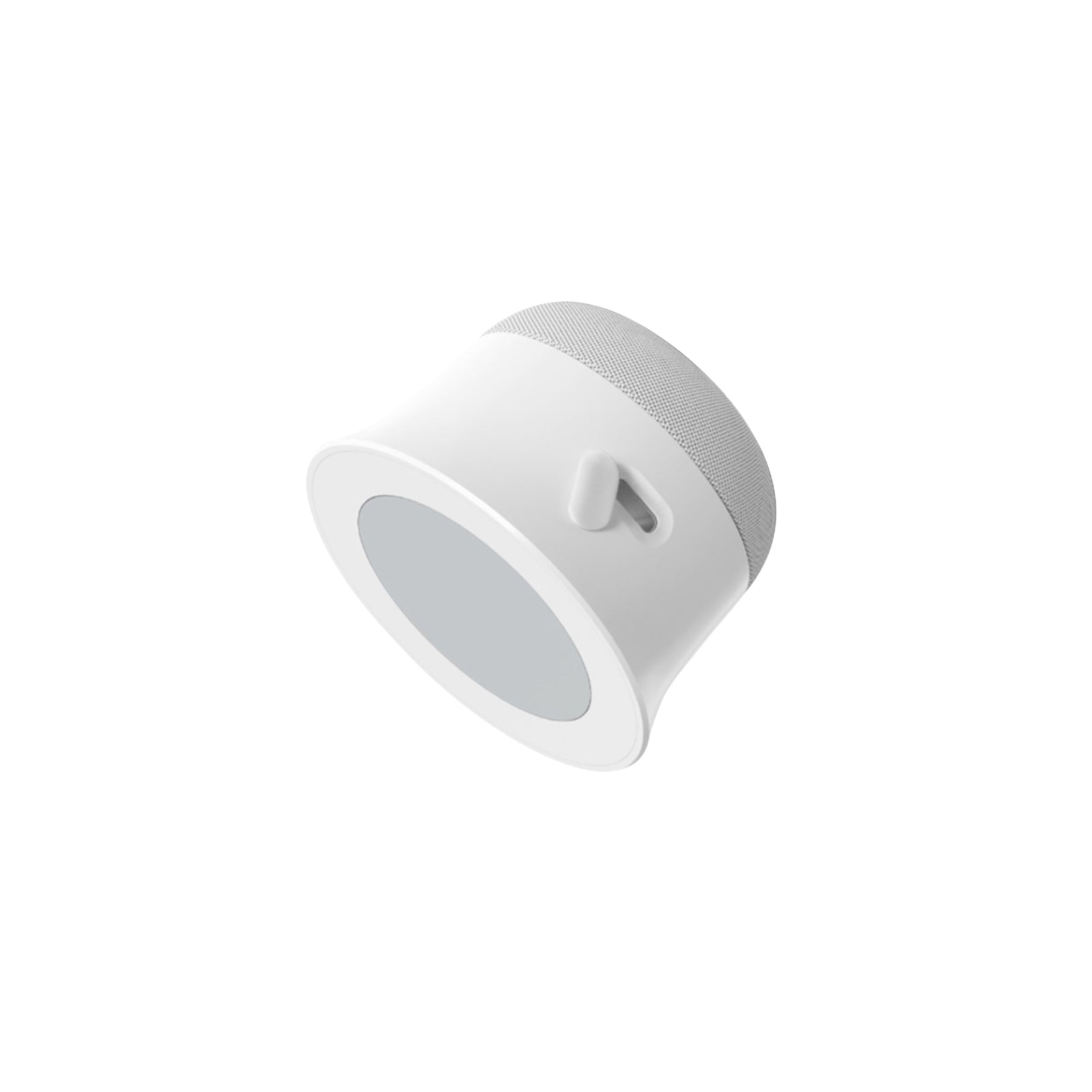 Speakers & Microphones
How to reset your earbuds
How to reset Bluetooth headphones
Are your Puro Bluetooth earphones not connecting? Can you only hear audio from one earphone?
It can happen that the Bluetooth earphones dissociate and the audio is heard only from one of the two earphones. Below is a small tutorial on how to perform the reset operation for the Puro Bluetooth earphones.
To pair Bluetooth earphones, follow the instructions below step by step.
- 1. Turn off Bluetooth on the device you want to pair with the Puro earphones.
- 2. Turn off the earphones by pressing and holding both earphones for about 8 seconds.
- 3. Turn the earphones back on by holding them down until the red light turns off.
- 4. Place the earphones back into the case.
Before removing the earphones from the case again
- 5. In your device's Bluetooth settings, unpair/disconnect both earbuds if they were previously paired.
- 6. Turn on Bluetooth
- 7. Remove the earphones from the case – first the right one, then the left one – and connect your device to the R earphone
Remember that the right earphone is considered the primary one, so it is good practice to remove (or put back into the case) the right one first, then the left one.